FPS SENSITIVITY CALIBRATION · WINDOWS 10 / 11

Find your perfect sensitivity.

Calika measures how you actually aim, then finds the sensitivity that fits you instead of copying someone else’s setup.

  • Find the sensitivity you perform best on
  • Get a confidence report and game equivalents
No game injection No macros No subscription
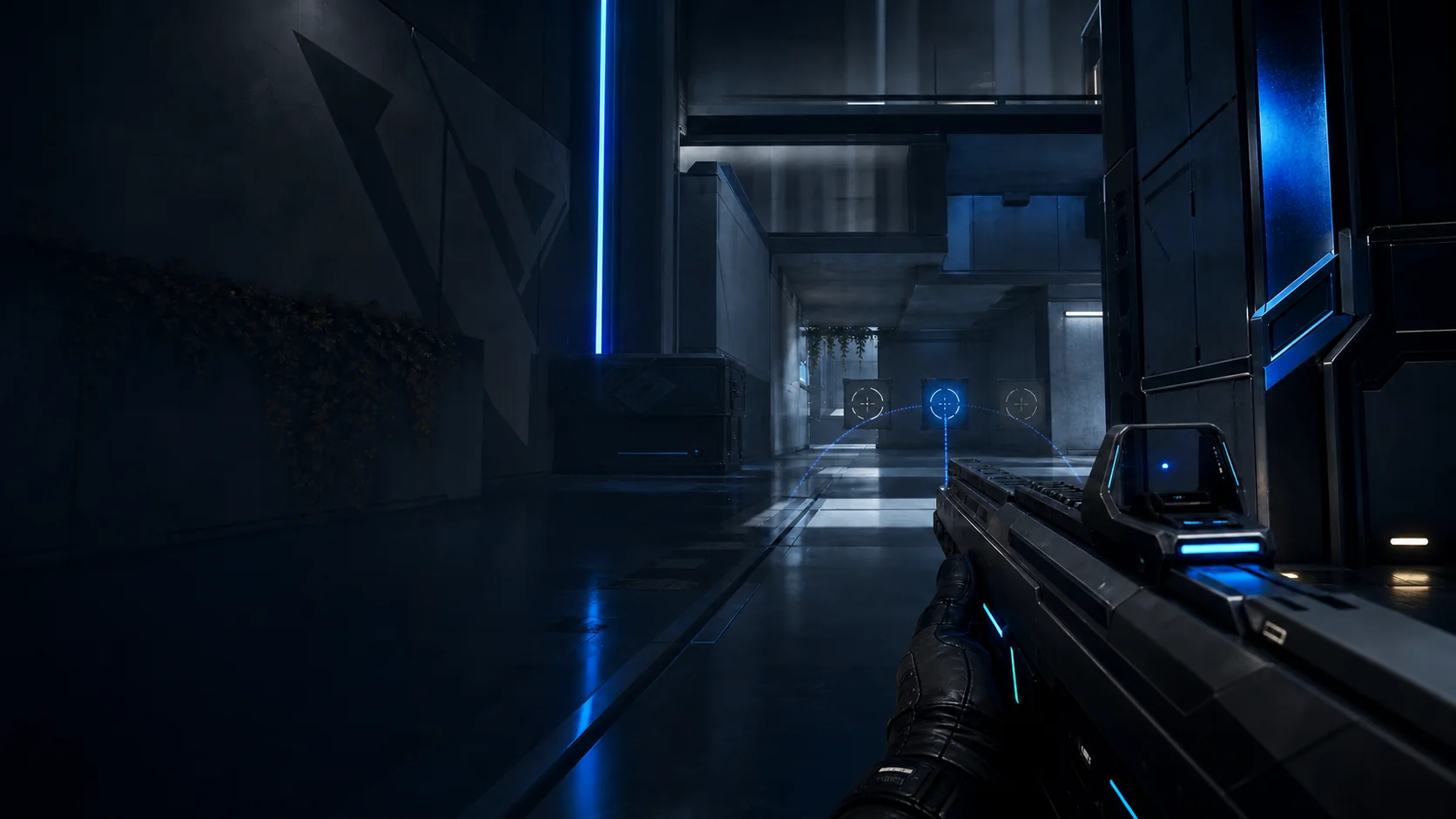
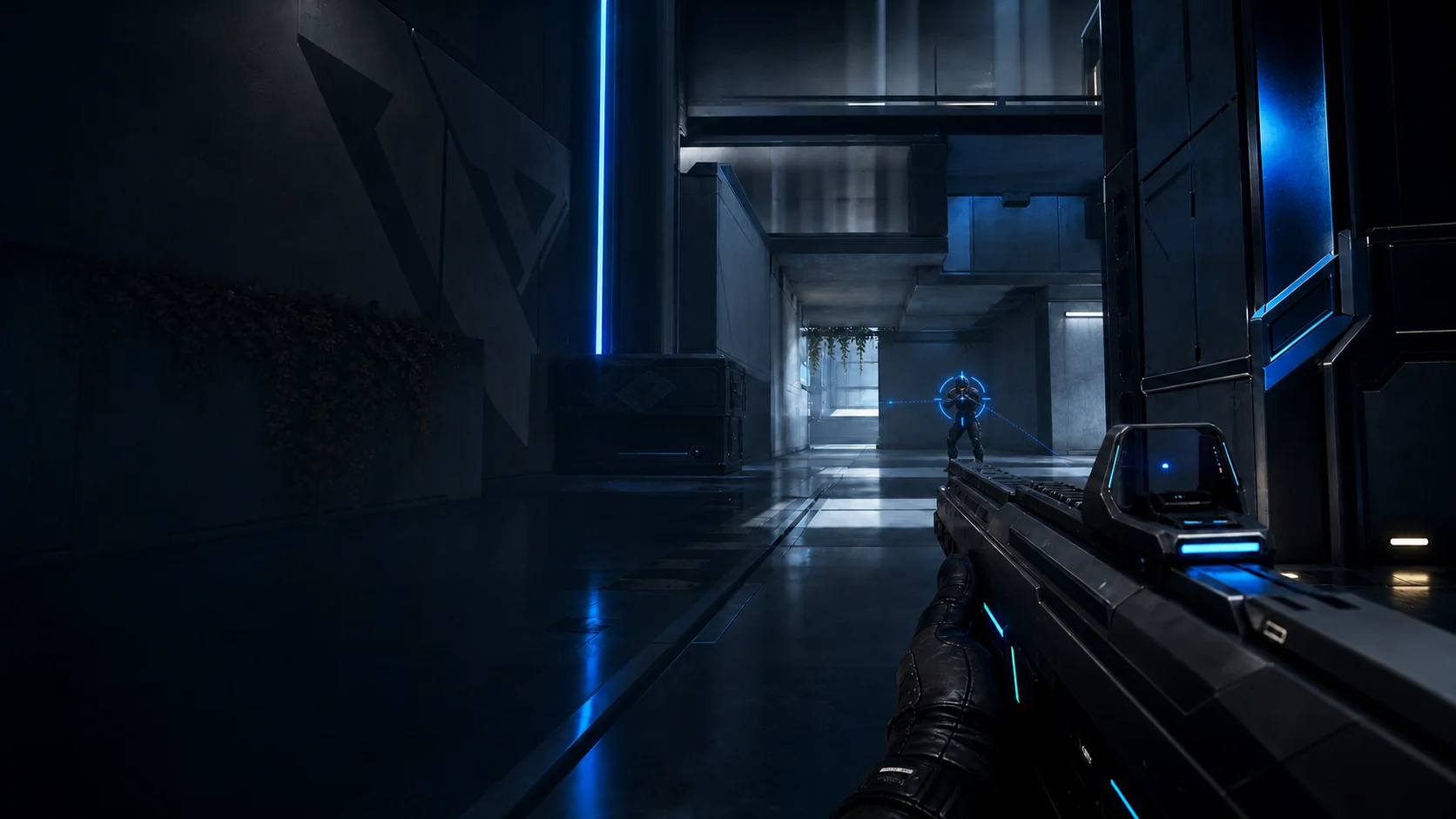
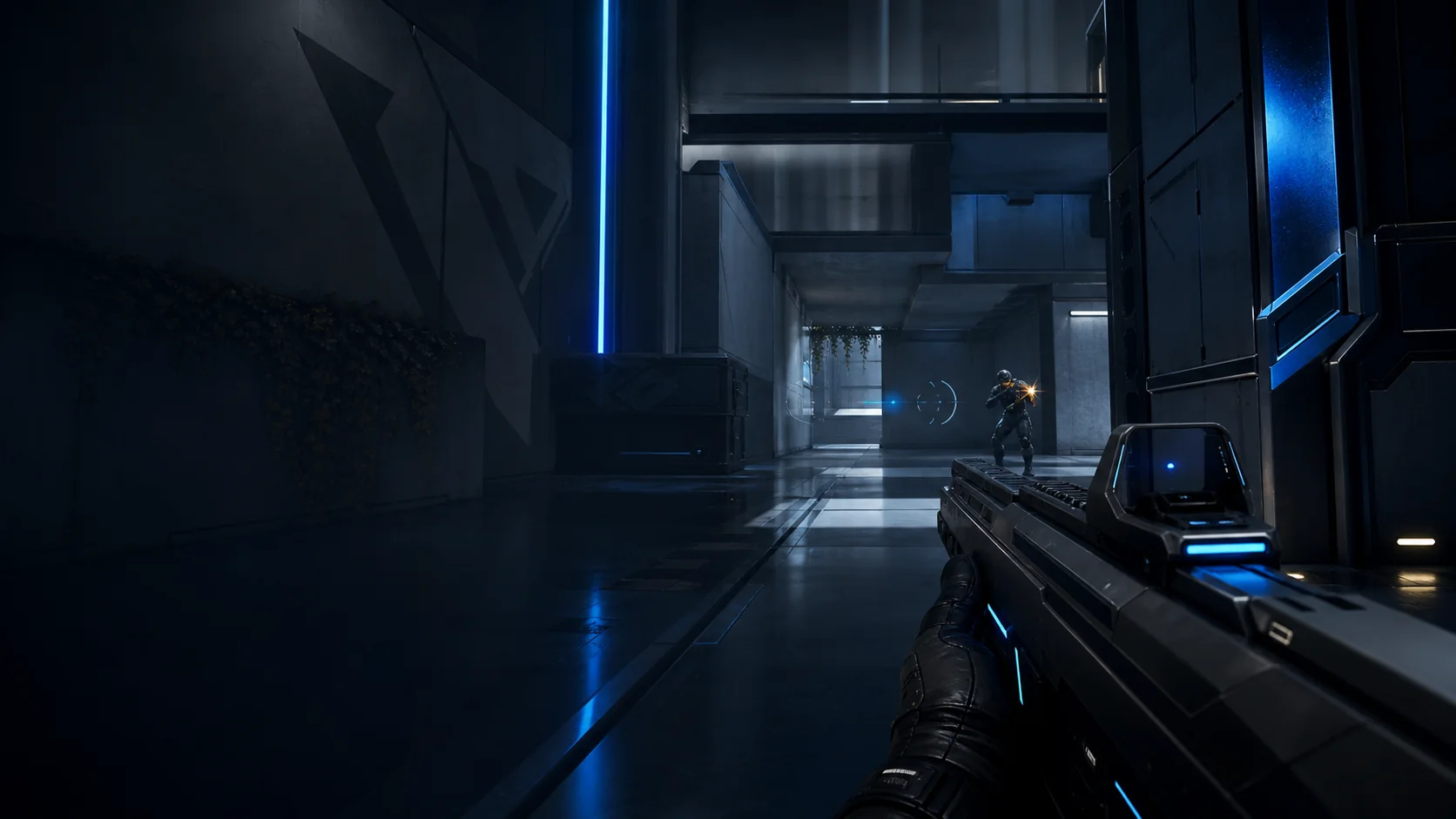
An aim reticle overshooting an opponent in an original tactical shooter scene
01 / DOUBT Bad match. New sens. Same doubt.

Every miss puts your settings back on trial.

01 / The problem

Your settings keep going on trial after every bad match.

Guides, calculators and pro profiles give you more settings to try, but no reason to trust your own.

01 Miss easy shots

Was that my aim or my sens?

02 Copy or calculate

Try another profile, guide or converter.

03 Adjust again

The new setting feels wrong, so the cycle restarts.

The exit Test three ranges. Keep the one your results support.
02 / How it works

Three steps to your perfect sensitivity.

Calika tests your aim on your hardware under the same conditions each round.

STEP 01

Hardware scan

Checks your polling rate, DPI and input latency in 5 seconds.

STEP 02

Three calibrated rounds

Tests your current sensitivity, −18% and +18% across five tasks.

STEP 03

Your perfect sens

Get your best eDPI, confidence rating and game equivalents.

03 / The app

See the full calibration.

Scan your setup, run the test and review the result.
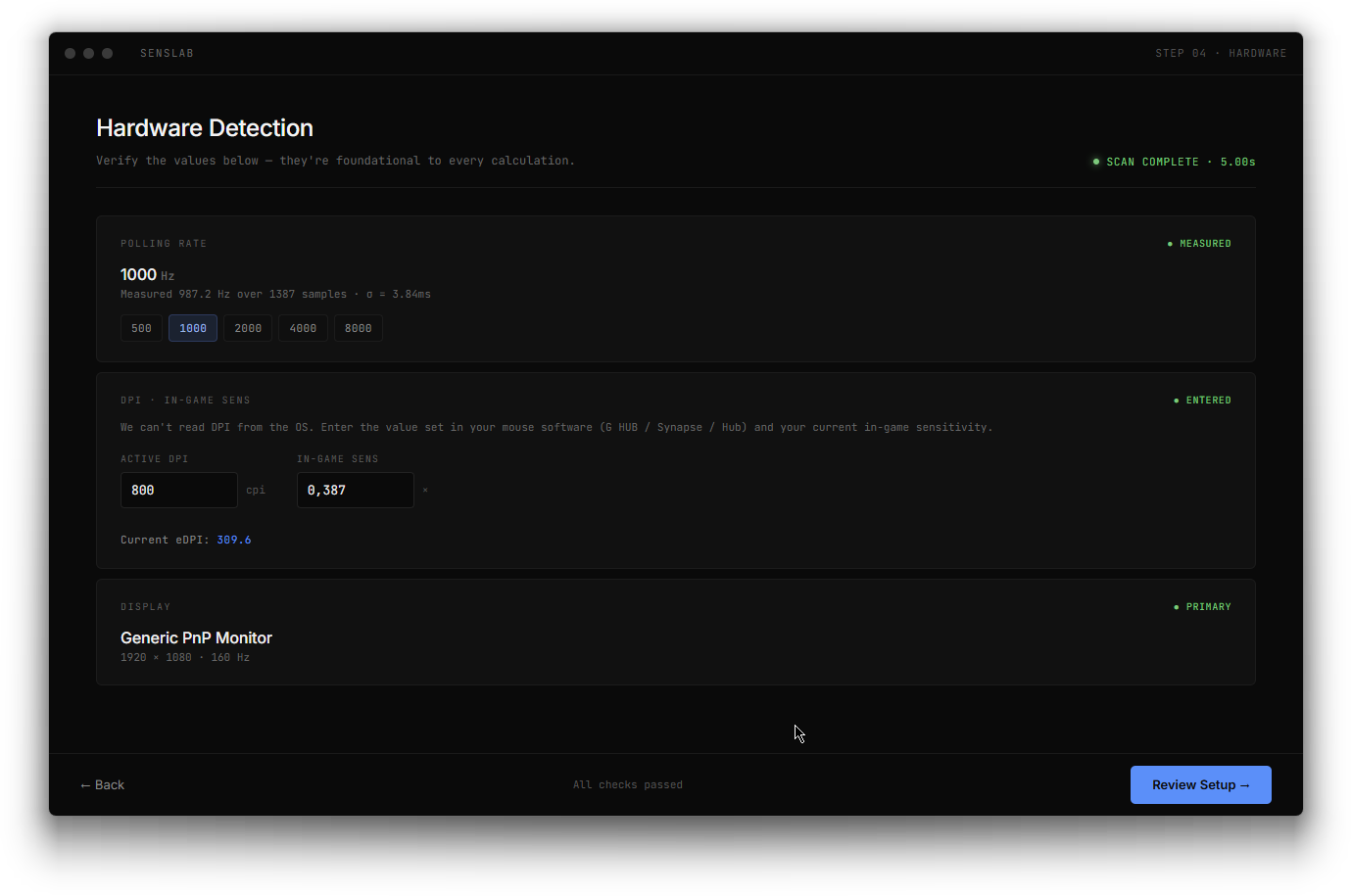
FIG. 01 · Hardware Detection
Calika hardware and polling-rate detection screen
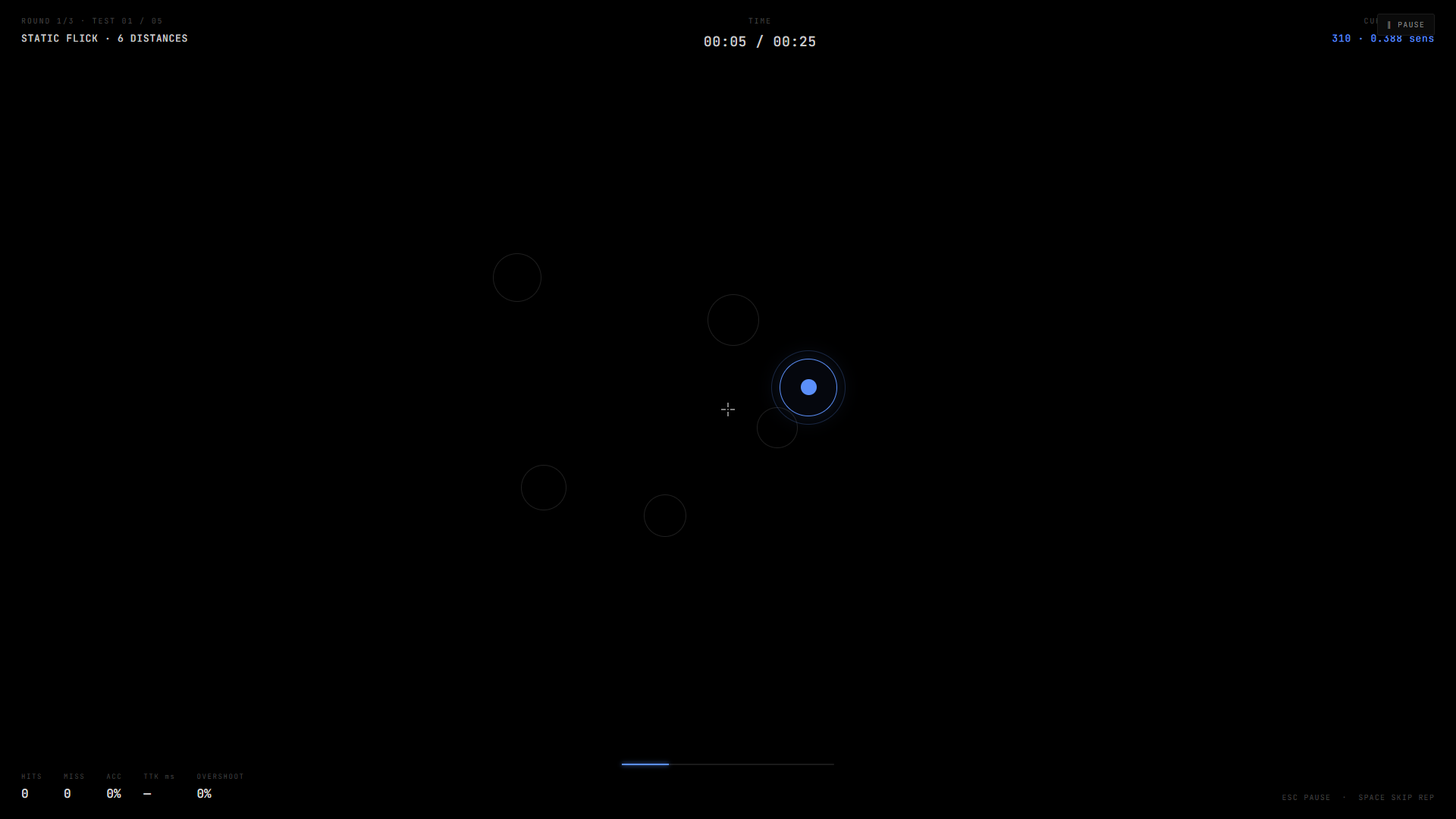
FIG. 02 · The Arena
Calika controlled sensitivity test arena
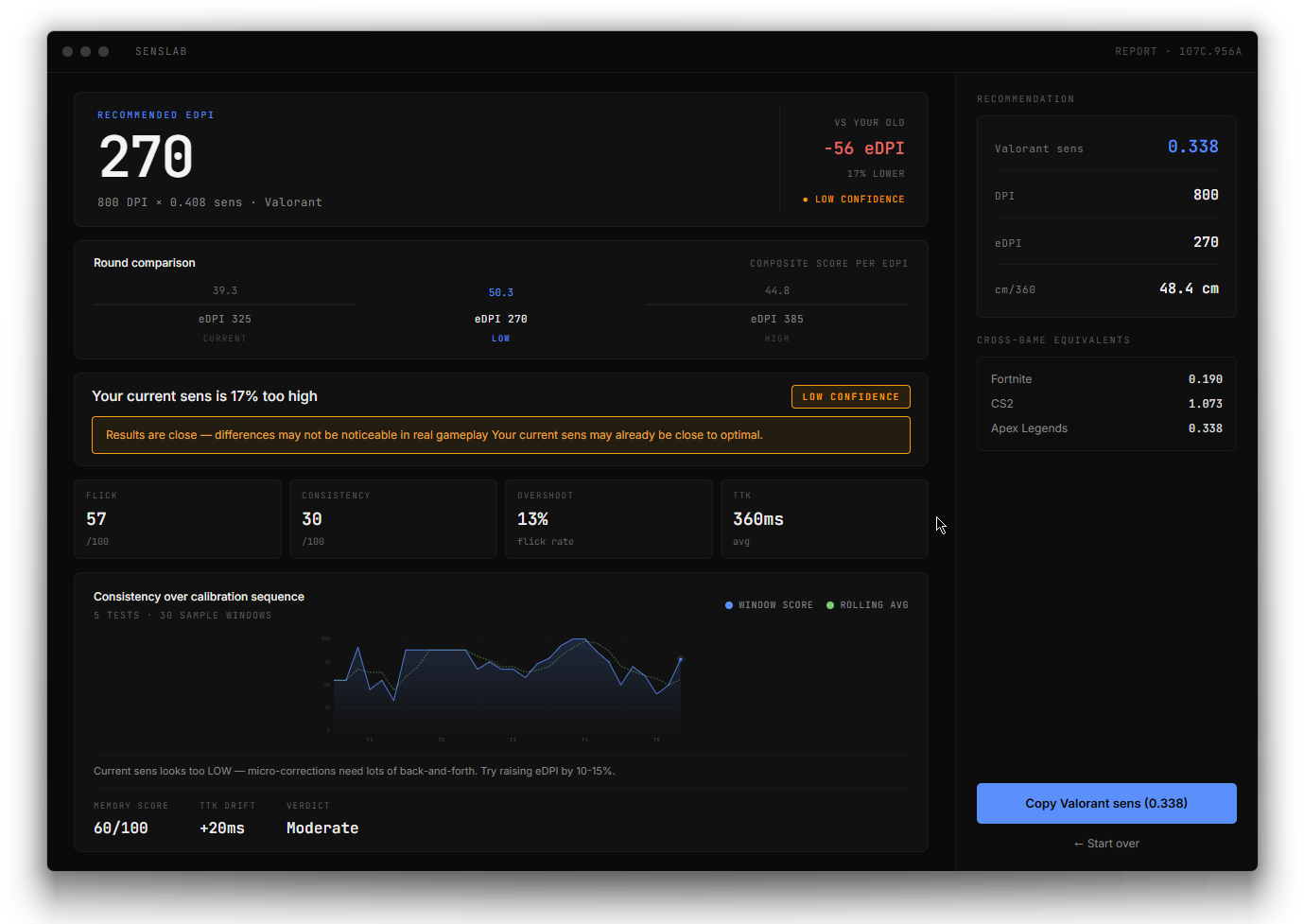
FIG. 03 · The Report
Calika sensitivity recommendation report
swipe
Hardware Detection FIG. 01
Detects your true polling rate and DPI.
The Arena FIG. 02
Runs the same routine at three sensitivities.
The Report FIG. 03
Shows your result, confidence and game equivalents.
Works with your game
Valorant
CS2
Apex Legends
Fortnite
04 / Methodology

Your result needs a reason.

Calika compares your current, lower and higher eDPI under fixed conditions. A confidence rating shows whether the winner is clear or the scores are close.

Input source Raw HID · 1 to 8 kHz
Test cadence Frame-locked · 360 Hz
Sample size 5 tests × 30 windows
Confidence rating Low · Med · High
Comparison ±18% · 3 rounds
Peer-reviewed research: IEEE Transactions on Games
// Live polling: your hardware RECORDING
1000 Hz · σ = 3.84 ms 1387 SAMPLES
05 / Make the right comparison

Each tool answers a different question.

Pro settings, calculators and aim trainers are useful, but they leave one question open: "Which sensitivity do I perform best on?"

Pro settings
Gives youWhat elite players use
Leaves open

Whether their setup and role match yours.

Calculators
Gives youA converted number
Leaves open

Whether the starting number fits you.

Aim trainers
Gives youA practice environment
Leaves open

Which sensitivity you should practice with.

Calika
Gives youYour measured perfect sensitivity
Honest limit

It finds your settings. Practice is still yours.

06 / Your report

Your perfect sensitivity comes with receipts.

See the winning eDPI, confidence rating and game equivalents.

SAMPLE CALIBRATION REPORT CALIKA
Sample Calika report comparing three eDPI values with confidence rating and cross-game equivalents
Sample only. Your result depends on your performance and setup.
01

See which sensitivity won

Compare your current, lower and higher eDPI.

02

Know how strongly it won

See whether the lead is clear or close.

03

Take your perfect sens across games

Copy the equivalent value for each supported game.

What “perfect” means. The best sensitivity supported by your own test.

07 / Choose your license

Find your perfect sensitivity.

Every license includes the full calibration and lifetime updates. Choose the number of players.

FULL CALIBRATION IN EVERY LICENSE
Raw-input calibration Confidence report Cross-game values Lifetime updates
Lowest entry 1 player

Solo

Lock in your own baseline and stop reopening the settings menu after every bad match.

$13.99 $13.99
per player
Lowest upfront cost
  • 1 player · 1 device
  • Complete calibration + report
  • Unlimited recalibrations
  • Lifetime updates
Find My Perfect Sens
One-time purchase · No subscription
Lowest cost / player 5 players

Squad

Calibrate the five-stack. Each player gets their own result without buying five Solo licenses.

$49.99 $10.00
per player
5 × Solo: $69.95 Save $19.96
  • 5 players · up to 5 devices
  • Complete result for every player
  • Unlimited recalibrations
  • Lifetime updates
Calibrate Our Squad
One-time purchase · No subscription
Secure checkout · Opens here
One-time payment · No monthly paywall
Windows 10 / 11 · Tax may vary
08 / Before you decide

Reasonable questions. Straight answers.

Calika compares three sensitivities and reports your strongest eDPI with a confidence rating. "Perfect" means the best fit supported by your own test.
No. Aim trainers build skill through ongoing practice. Calika runs a short comparison to choose the sensitivity you should practice with.
Calculators convert a value you already trust. Calika tests the starting value first, then gives you game equivalents.
Calika runs outside your game. It does not inject code, read game memory, automate input or modify game files.
Standard HID mice on Windows 10 and 11, from 125 Hz to 8 kHz. Enter your active DPI so Calika can calculate eDPI.
Community

Compare results. Fix your setup.

Get help, compare results and share setups with other Calika players.

Join the server
Stop guessing. This one is yours.

Find your perfect
sensitivity.

Windows 10 / 11 · No subscription · No game injection